

Looking back at my coding journey, it’s remarkable how much the experience has evolved. From typing Pascal in a bare terminal to collaborating with AI, each stage brought new tools, abstractions, and possibilities. This article walks through the major technology stages that shaped my development career and how each one raised the bar on productivity, user experience, and software quality.
Pascal in a Terminal (No IntelliSense)
My programming journey started with Pascal—typed in a terminal (VT-100) with no code completion, no syntax highlighting, and certainly no IntelliSense. The feedback loop was painfully slow: I would write my code, print out the source listing for review, and then submit it for compilation. If there was a syntax error, I’d find out after waiting minutes. Compilation was sent to a batch job. Then it was back to the editor—I probably missed a semicolon or misspelled something—fix it, and start the cycle again.
Despite the friction, this era taught discipline. Every character mattered. You became very deliberate about what you wrote, because the cost of a mistake was measured in half-hour waits.
Pascal uses semicolons as well, just instead of curly braces
BEGINandEND;surround code blocks.
Toggling Machine Code into a PDP-11
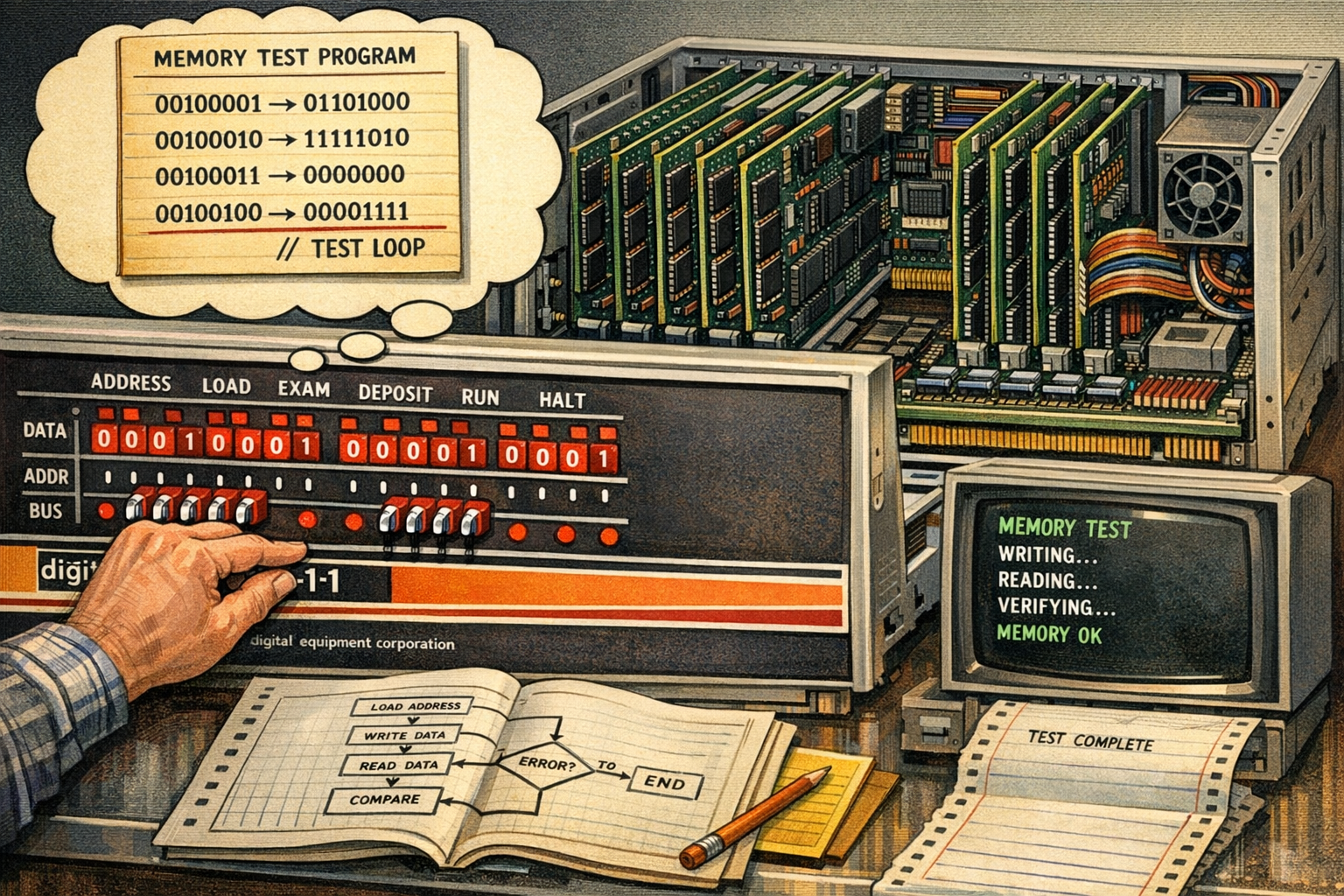
Working at Digital Equipment, I started my professional career repairing devices. Sometimes a PDP-11 system didn’t boot. In those moments, there was no graphical user interface to fall back on. I was writing small programs using assembly code (MACRO-11). The PDP-11 system had toggle switches I used to enter the machine code directly into the front panel—to find out what memory address had failed. This kind of hands-on, bare-metal interaction was a unique window into how a computer actually worked at the lowest level. The PDP-11 was a 16-bit system, and we used octal (1 octal digit = 3 bits). And no, I never used punch cards for coding—the terminal was already available by then.
Pascal and DECForms on VAX/VMS
A significant step forward came with building real business applications using Pascal and DECForms on VAX/VMS. The CPU was the VAX (Virtual Address eXtension), a 32-bit architecture. With the 32-bit architecture, Digital Equipment switched from octal to hex.
At the time, departments worked in isolation. Each team ran its own applications, and data was shared by printing reports and manually retyping the numbers into another system (Digital Equipment was the second largest computer company). There was no XML, no APIs, no standard data exchange format. The friction was error-prone.
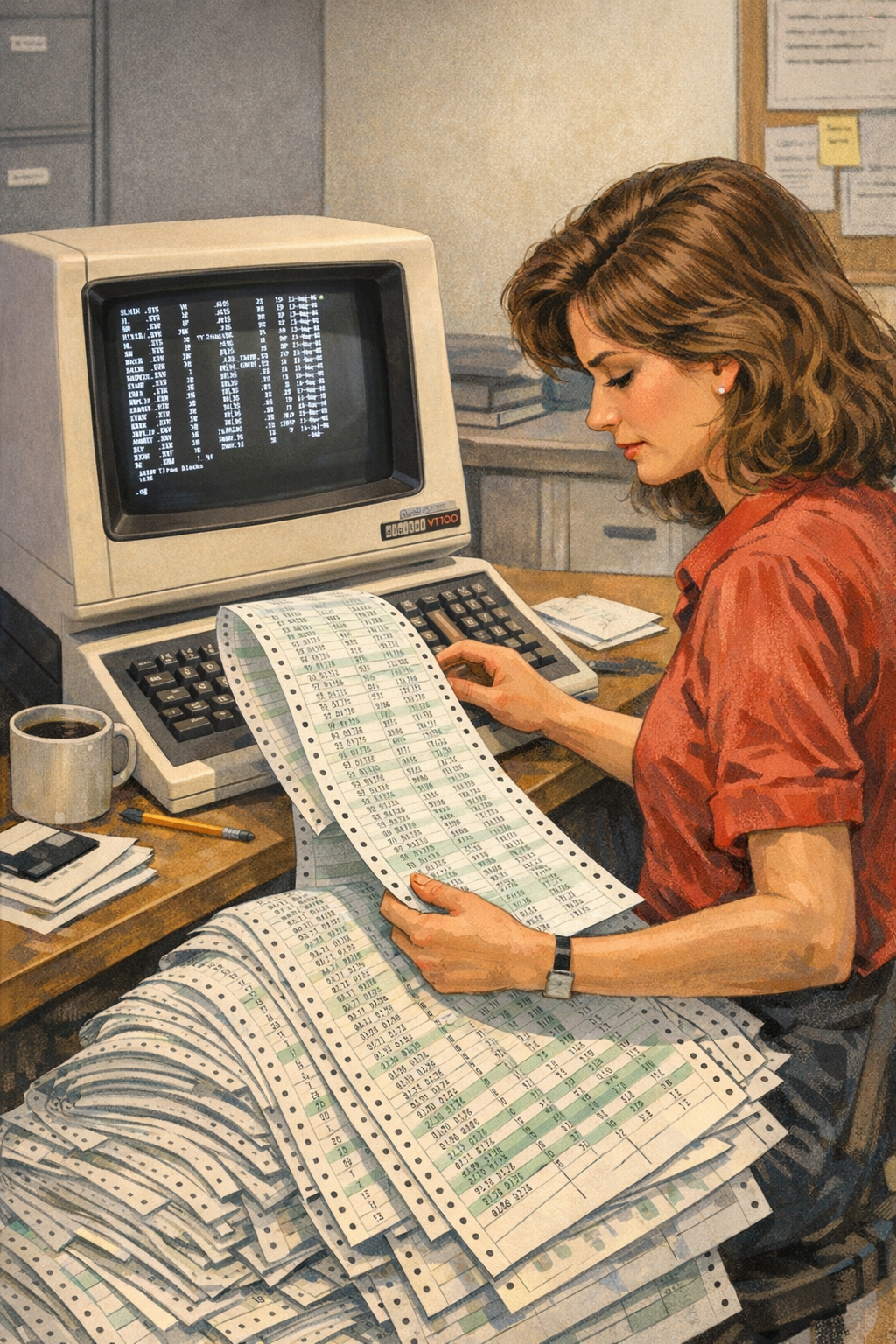
I built a solution to manage company car expenses (CARMEN for Car Monthly ExpeNses) using Pascal and DECForms that automated data import, transformation, and calculation between teams. Users no longer had to retype data from printed reports; inter-team file transfers streamlined the workflows. This was an early taste of what software integration could deliver: saving time, eliminating errors, and letting people focus on their actual work rather than data entry.
However, as the applications we communicated with changed, CARMEN had to change as well, adapting to every new data format from all the other systems.
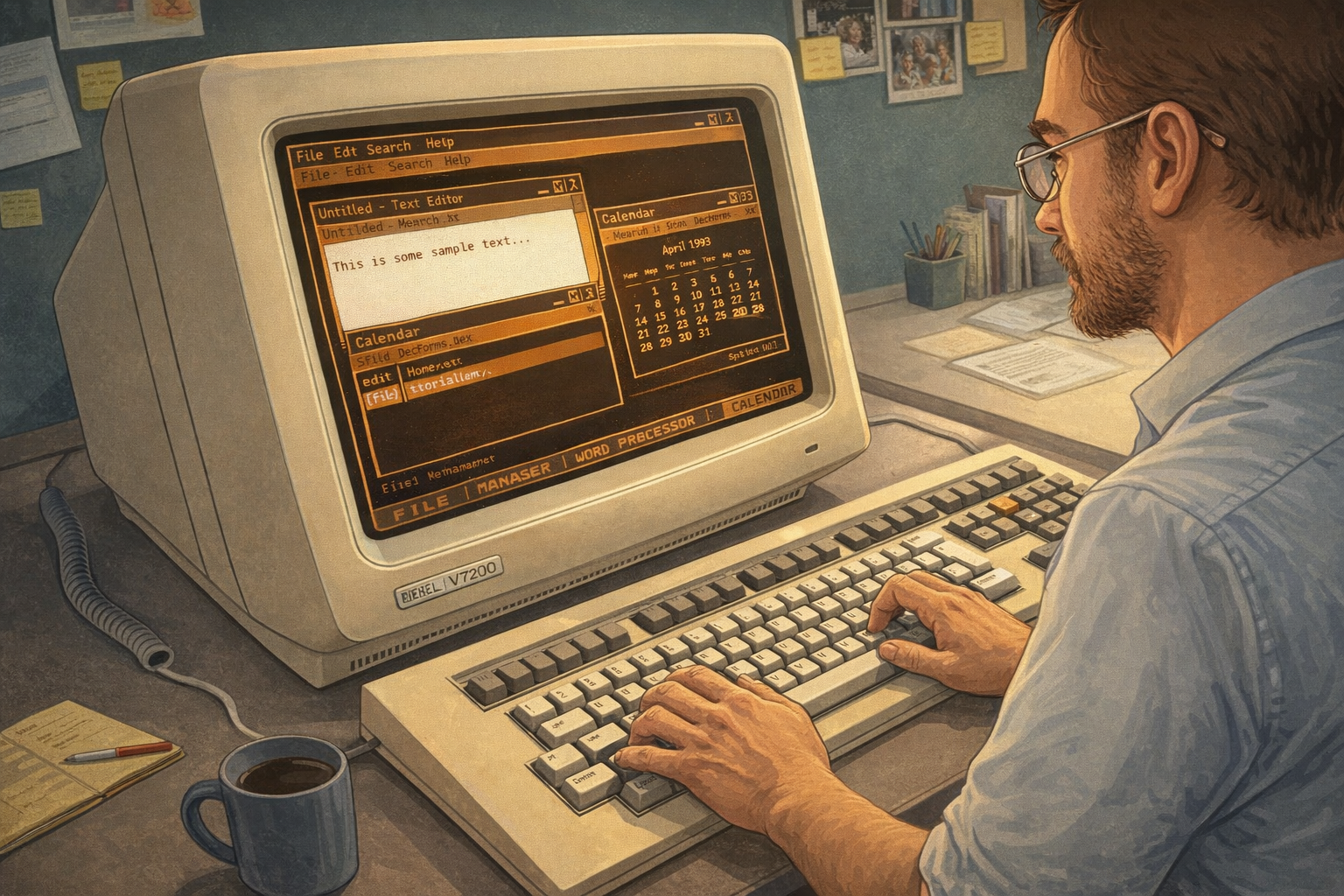
> With VMS, I was using the EDT editor, which was easy to use. The shell was the DCL (Digital Command Language), which had its own unique syntax and capabilities. RMS (Record Management Services) was the built-in file and record I/O subsystem, with locking, buffering, access methods, and more. It was a powerful environment for its time.
C on Unix Systems
Moving to the C programming language on Unix (Ultrix and DEC OSF/1) opened up a new world. The Unix toolchain, makefiles, and the expressiveness of C gave far more control over system resources and performance. My preferred editor at that time was vi, the Unix shells I was using were the c-sh and k-sh.
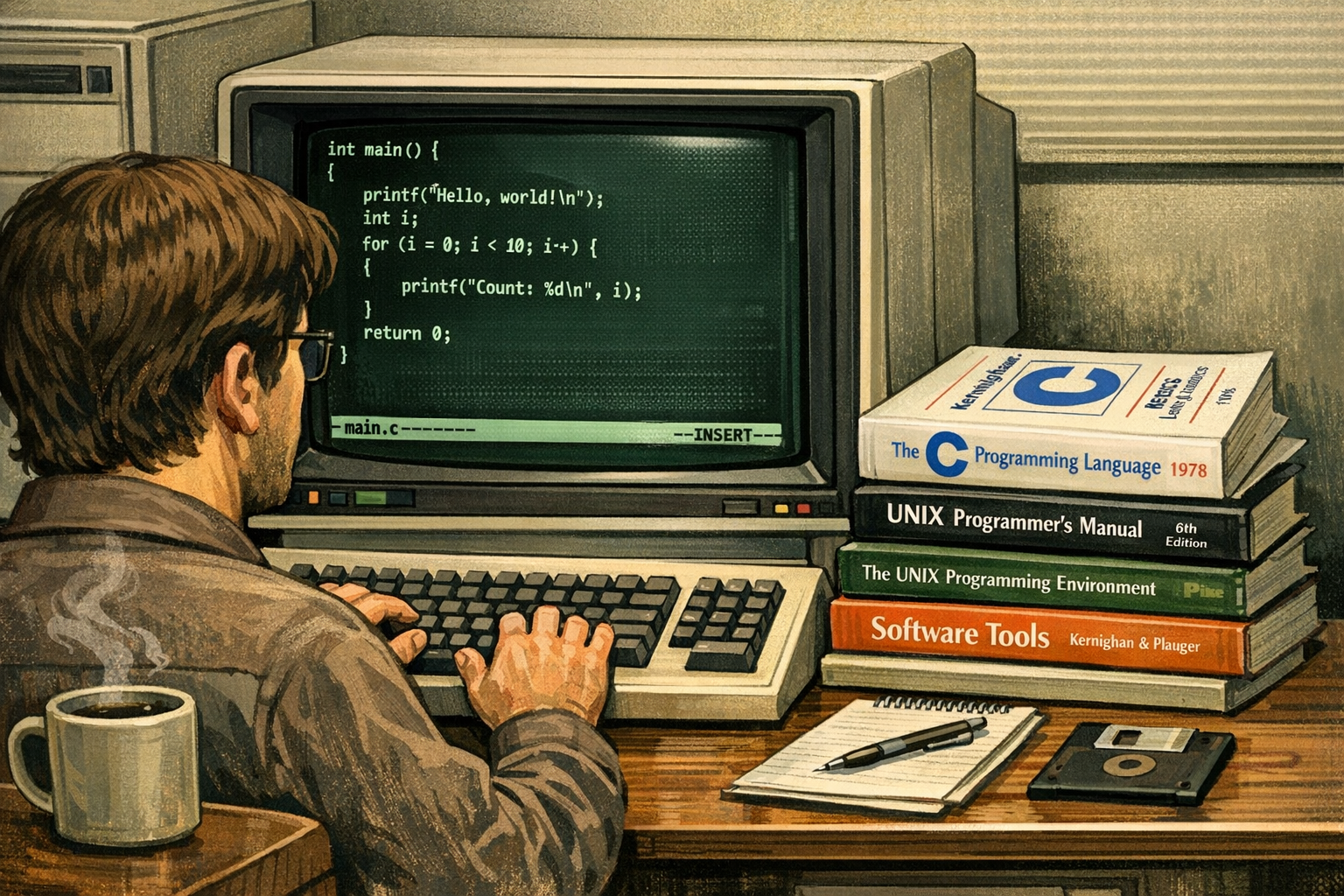
With QUOPFI (QUOta for Printer FIlter), I built a Unix printer filter which required users to pay for prints.
Linux was not available at that time! The C Programming language was born on a PDP-11!
C++ on Unix with X-Window
Moving over to C++ on OpenVMS and DEC-OSF/1 workstations was a significant leap. The introduction of object-oriented programming allowed for better code organization and reuse. I was building graphical applications using X-Window with Motif, delivering real GUI experiences on Unix workstations long before Windows dominated the desktop.
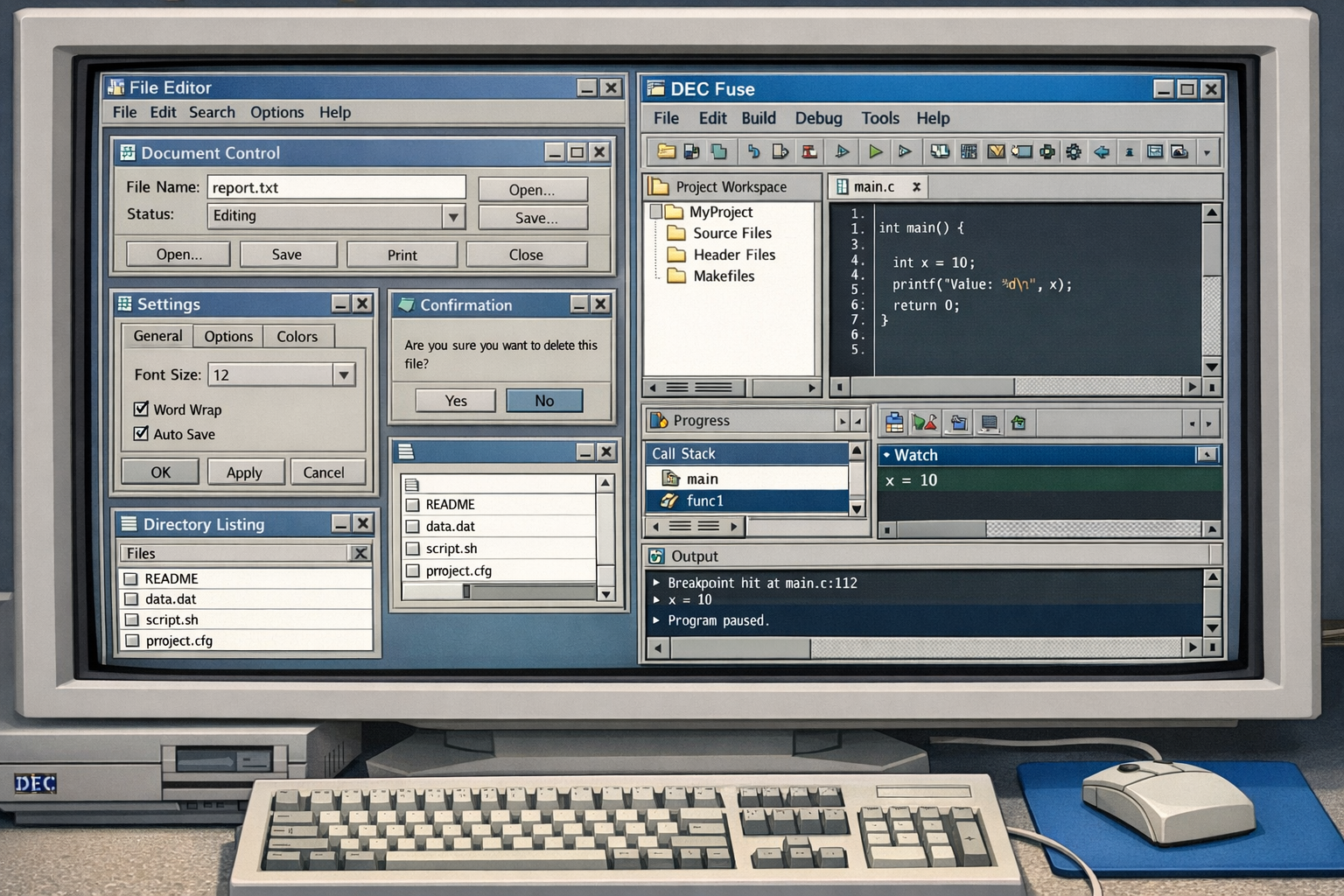
The development tooling on these systems was also more capable than many remember. DEC Fuse, a powerful and expensive—integrated development environment from Digital Equipment Corporation, brought a surprisingly modern feature set to the Unix world: an integrated project system, graphical build management, clickable error navigation, a graphical debugger and profiler, a language-sensitive editor, search and compare tools, a code manager for project-wide navigation, and a built-in man page browser. At the time, this level of tooling integration was remarkable, and it set a high bar that other environments took years to match.
Windows NT with C++ and MFC
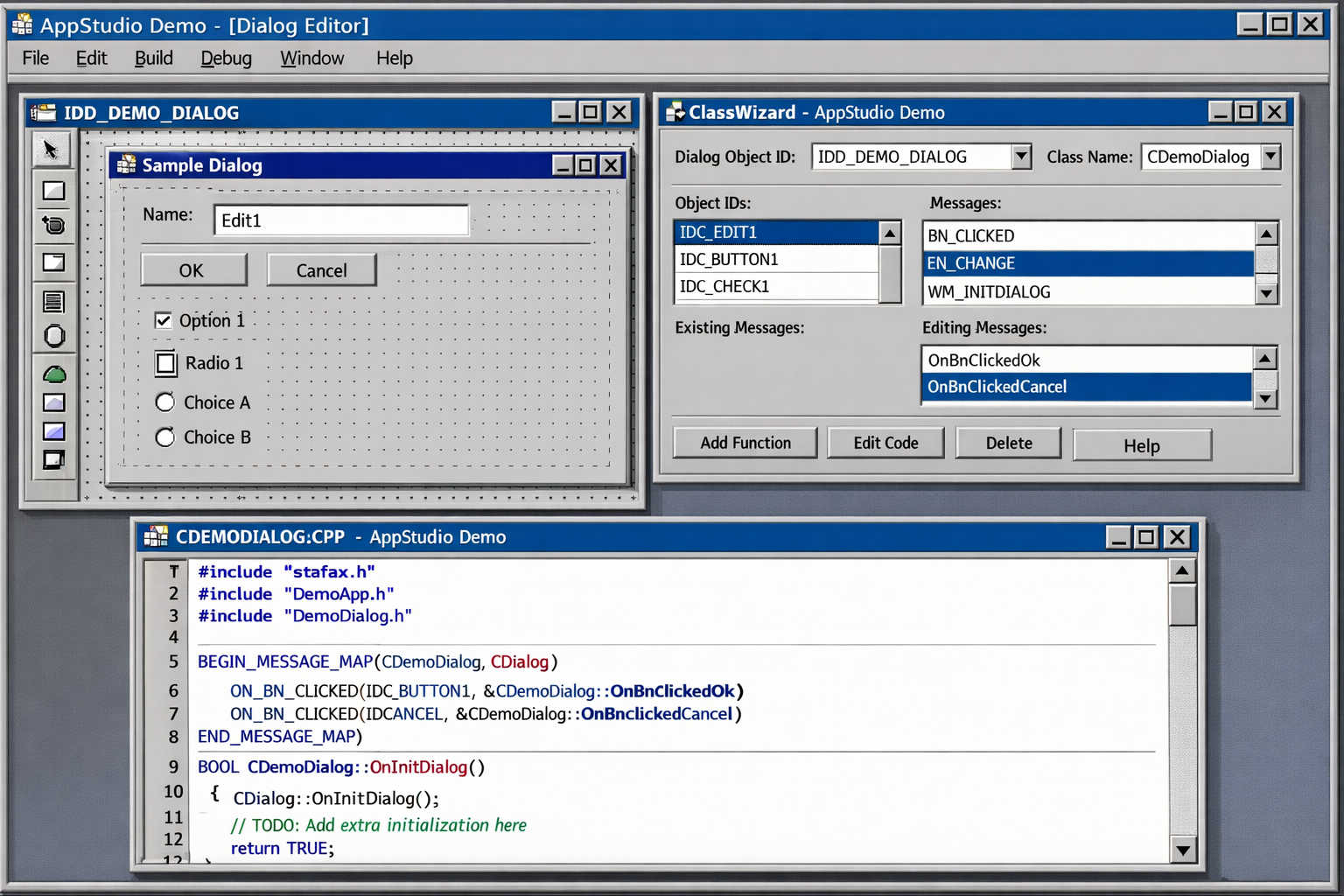
C++ introduced object-oriented programming, and with it the promise of reuse and better structure. On the Windows side, I started with a beta version of Windows NT 3.1 in 1992, using Visual C++ 1.5 to build applications with MFC (Microsoft Foundation Classes). Richer user interfaces became possible—menus, dialogs, and controls that felt polished to end users. OOP concepts—encapsulation, inheritance, polymorphism—allowed code to be organized around real-world abstractions rather than raw procedures. The development experience improved noticeably: better editors, faster compilers, and a growing ecosystem of libraries.
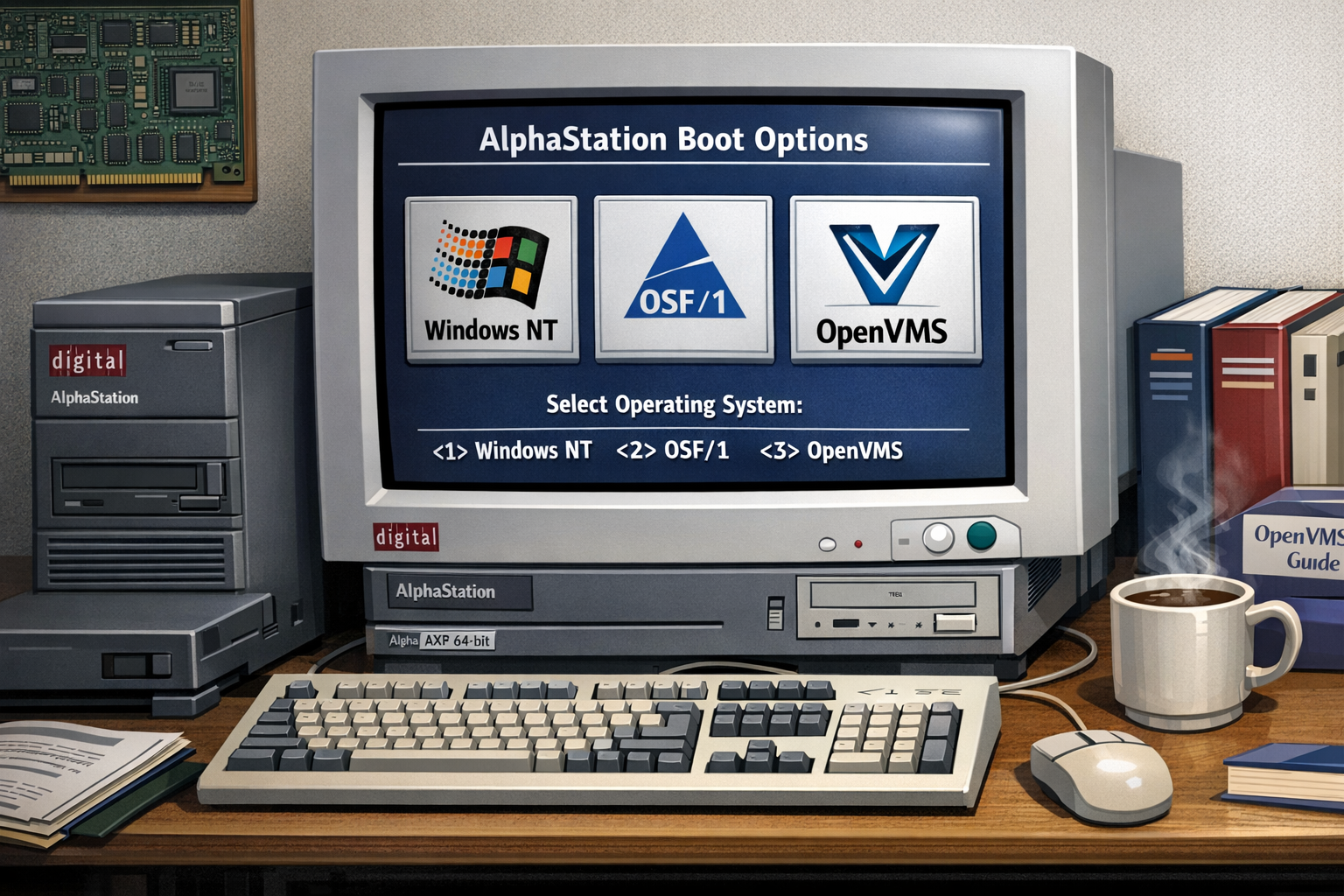
Windows NT was not only available on Intel systems. I also used the DECstation, a system running on MIPS CPUs, supporting Ultrix and Windows NT. I had a dual boot 🙂 In 1993, Windows NT was ported to the Alpha AXP Architecture—a 64-bit RISC architecture developed by Digital Equipment Corporation. I was using an AlphaStation, an AXP system with Windows NT, OSF/1, and OpenVMS.
I’m a Microsoft Certified Professional (MCP) since 1994, my first certifications were on Windows NT and Visual C++. Since 1995, I’m a Microsoft Certified Trainer (MCT). I was teaching Windows NT and Visual C++ at that time.
COM, DCOM, ATL, and HTML
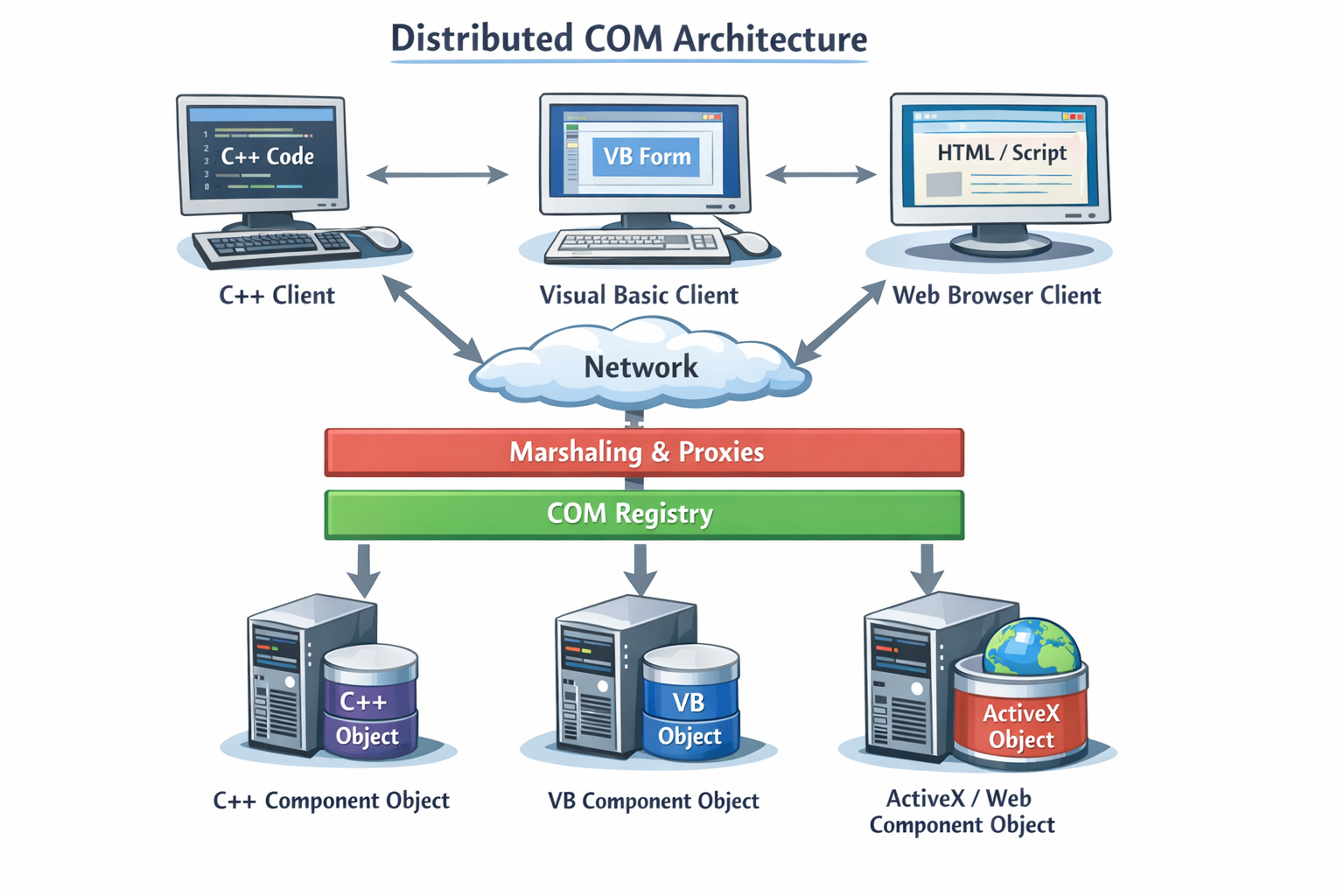
Component-based development arrived with COM (Component Object Model) and DCOM (Distributed COM), along with the Active Template Library (ATL). This era introduced network communication with binary objects across language boundaries, and higher-level abstractions for building distributed systems. You could write a component once and consume it from C++, Visual Basic, or even scripting environments. DCOM extended this across the network. The complexity was real—interface definitions, registration, marshaling—but so was the power. This stage fundamentally shifted thinking from monolithic applications toward reusable, interoperable components.
HTML and JavaScript also emerged during this time, opening up the web as a new platform for applications. The early web was primitive, but it laid the groundwork for the rich, interactive experiences we have today. I was using Visual InterDev to build early web applications, which was a new frontier for developers.
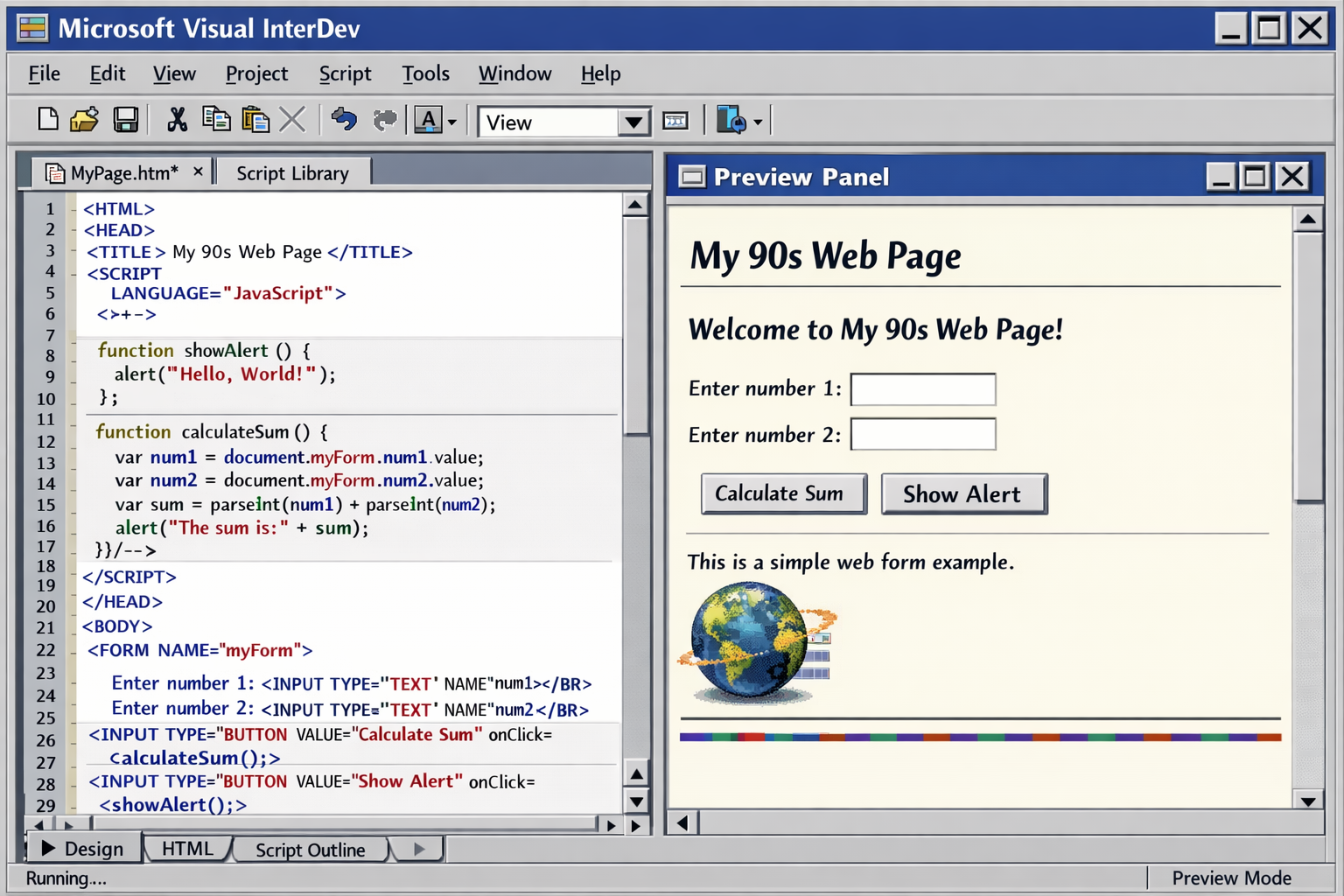
I was also using Java, and Microsoft’s implementation of Java called J++ (later renamed to Visual J++). It was an interesting time for Java, as it promised “write once, run anywhere,” but the reality was that the ecosystem was fragmented, and Microsoft’s implementation had its own extensions that were not compatible with Sun’s standard Java. This led to legal battles and ultimately Microsoft’s decision to pivot away from Java in favor of their own platform.
.NET Framework
I’ve been at the Professional Developers Conference (PDC) 2000 in Orlando, Florida when .NET was first announced, and it was clear that this was a major shift. The keynote was electric, with Bill Gates demonstrating the new platform’s capabilities.
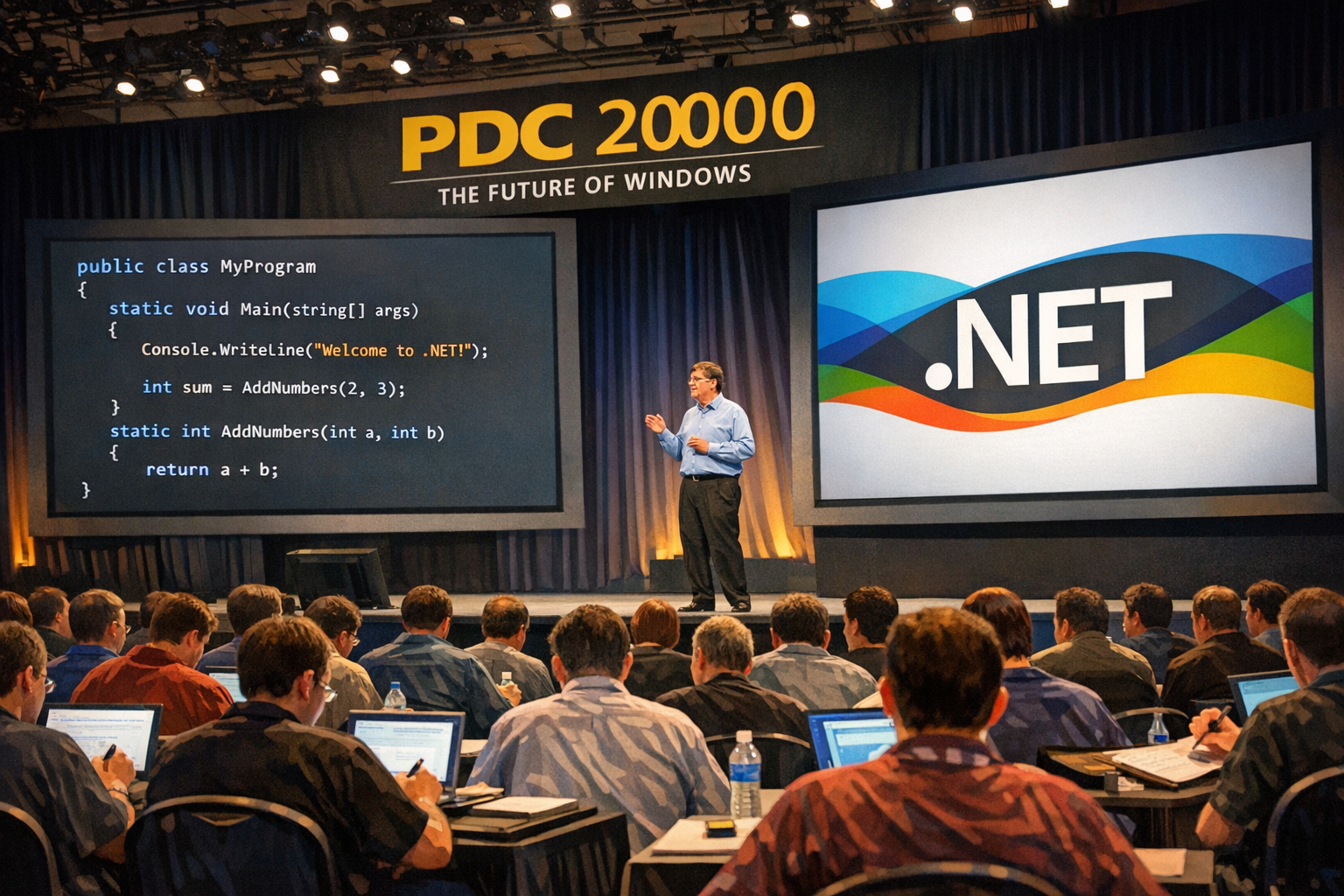
The .NET Framework was a turning point. Managed code, a garbage collector, and a rich standard library removed entire categories of bugs—buffer overflows, memory leaks, and pointer arithmetic errors largely disappeared. Building Windows Forms and Web Forms applications on Windows felt productive in a new way. The class library was comprehensive, tooling in Visual Studio matured rapidly, and the strongly typed, object-oriented model of C# made large codebases much more maintainable. Deployment still had its challenges, but the developer experience had improved dramatically compared to native C++ development.
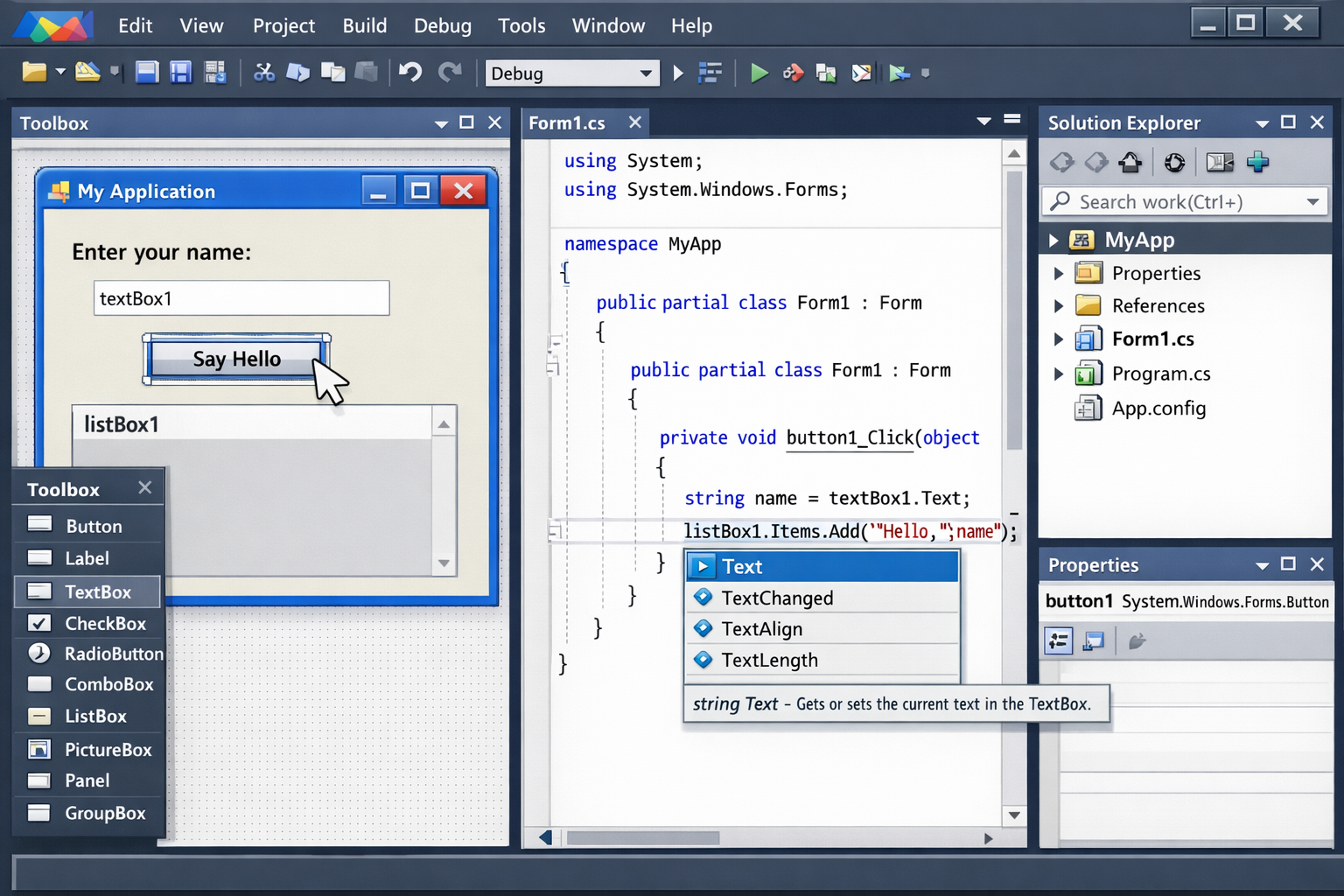
My first https://www.cninnovation.com website was built with ASP.NET Web Forms. I moved to ASP.NET MVC with early releases of MVC. Later on, I switched to ASP.NET Core, switched over to Razor Pages. Now the Website is running with ASP.NET Core Blazor.
.NET Core, Containers, and Aspire
.NET Core opened the door to true cross-platform development—the same code running on Windows, Linux, and macOS. I was excited to finally write C# code that could run anywhere. Combined with Docker containers and cloud-native architectures, the deployment story changed completely. I could package applications with their dependencies, orchestrate them at scale, and deploy to any cloud or on-premises environment.
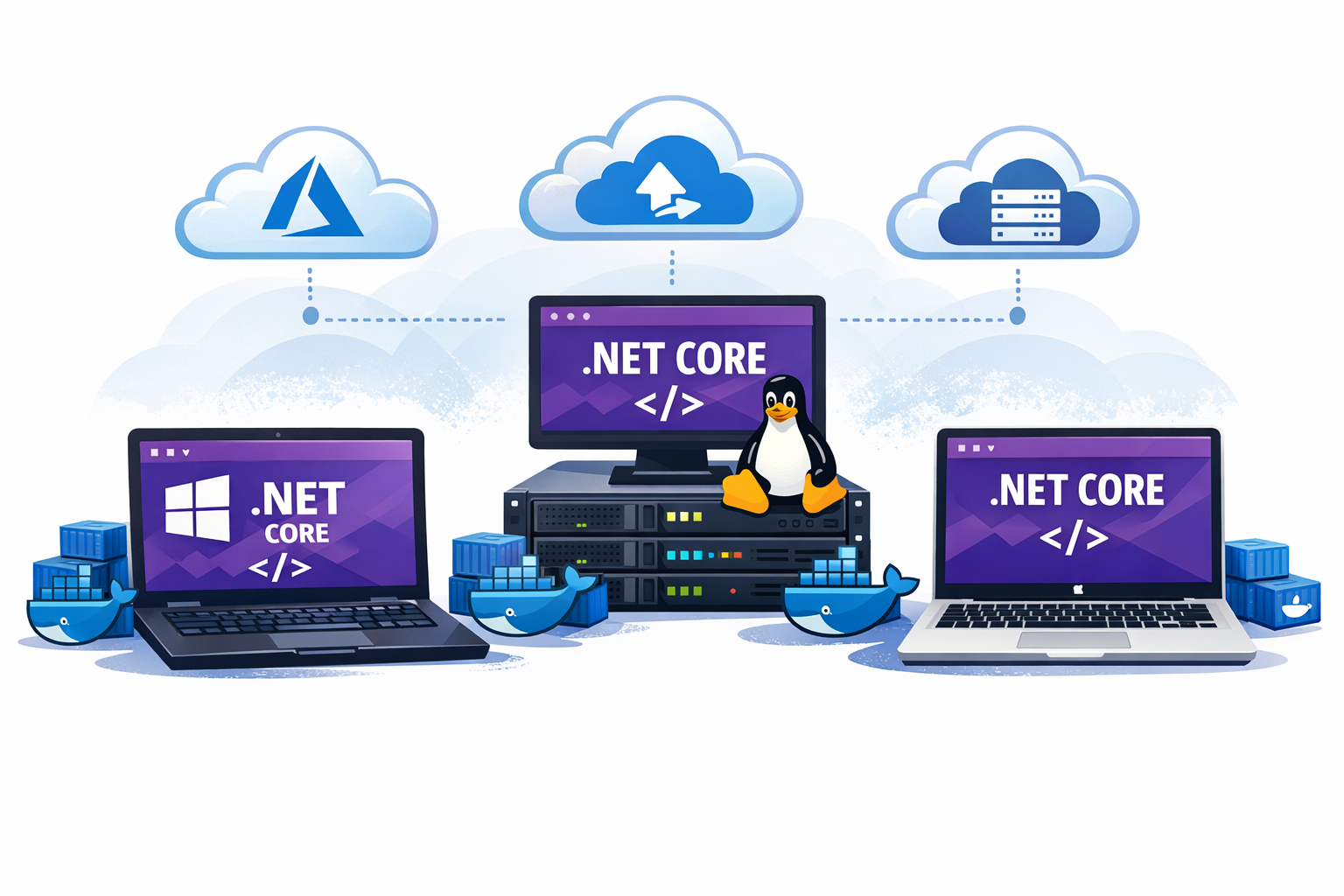
More recently, I’ve been using Aspire extensively, which has simplified application orchestration further—handling service discovery, health checks, distributed tracing, and structured logging out of the box. This lets me focus on features rather than infrastructure plumbing. Each layer of abstraction has improved my productivity and broadened what I could accomplish with small teams.
My wife was running a restaurant, and I built the MenuCardManager system to make it easier to decide the menus of the week—looking at a history database, offering auto-complete for dishes, searching for dishes, printing the menu cards, and making them available on the website. This system evolved through multiple .NET versions, eventually running on .NET Core with Docker containers.
Looking back to the early days of Pascal, it’s astonishing to see how far we’ve come. The tools and platforms have evolved dramatically, but the core principles of software development—writing clear code, understanding the problem domain, and delivering value to users—remain constant. Each stage of this journey has built upon the last, creating a richer ecosystem for developers and enabling us to solve increasingly complex problems.
From re-using methods to re-using classes to re-using components to re-using services, the evolution of software development has been a continuous journey of abstraction and empowerment. Each era has brought new tools and paradigms that have expanded our capabilities and transformed how we build software. Using new tools and platforms has always been a learning curve, but the payoff in productivity and creativity has been worth it.
AI and GitHub Copilot: The Multi-Agent Revolution
The current era of AI-assisted development is no exception—it’s opening up new possibilities for productivity and creativity that we are only beginning to explore. But this change is fundamentally different from all previous transitions in one critical way: the pace and magnitude of transformation.
The Unprecedented Speed of Change
Each previous stage of my journey took years—sometimes decades—to mature and become widely adopted. The transition from terminal-based Pascal to IDEs took a decade. Moving from procedural to object-oriented programming was a gradual shift spanning the better part of the 1990s. Even the .NET Framework, despite being revolutionary, required years of adoption and refinement.
AI-assisted development? It exploded in months, not years. GitHub Copilot went from preview to millions of developers in just a few years. More critically, the capabilities evolved at breakneck speed—from simple code completion to intelligent code generation to autonomous development agents—all within a timeframe shorter than any previous platform transition I’ve witnessed.
From Chat to Multi-Agent Collaboration
I’ve experienced the evolution of AI in development firsthand, and the pace has been breathtaking:
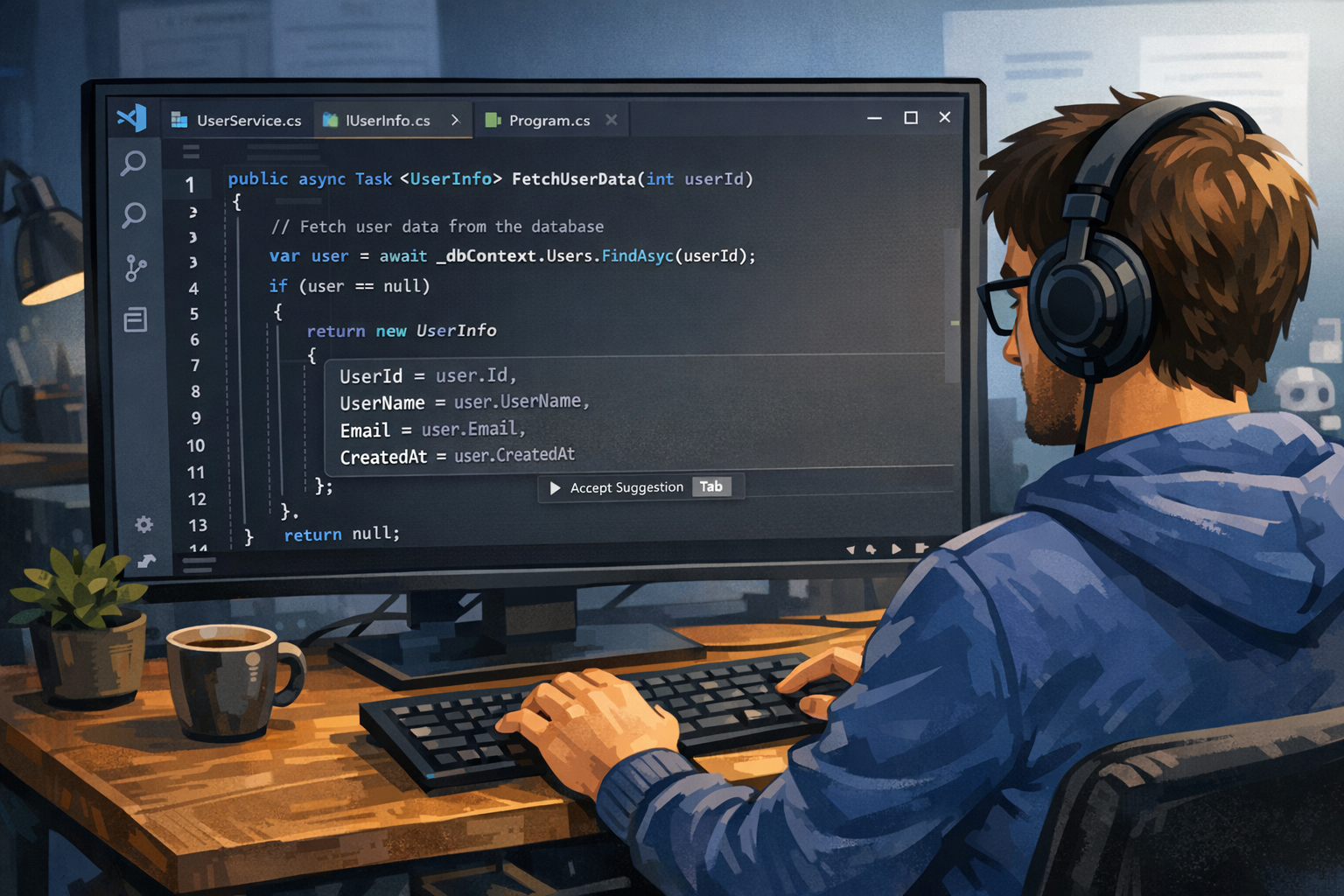
Phase 1: Intelligent Autocomplete (2021-2022)
When I first tried GitHub Copilot, it felt like magic—code suggestions appearing as I typed, often exactly what I needed. It was revolutionary at the time, but still reactive and limited to the immediate coding context. I found myself accepting about 40% of suggestions and modifying another 30%. Still, it was a significant productivity boost.
Phase 2: Conversational AI (2023-2024)
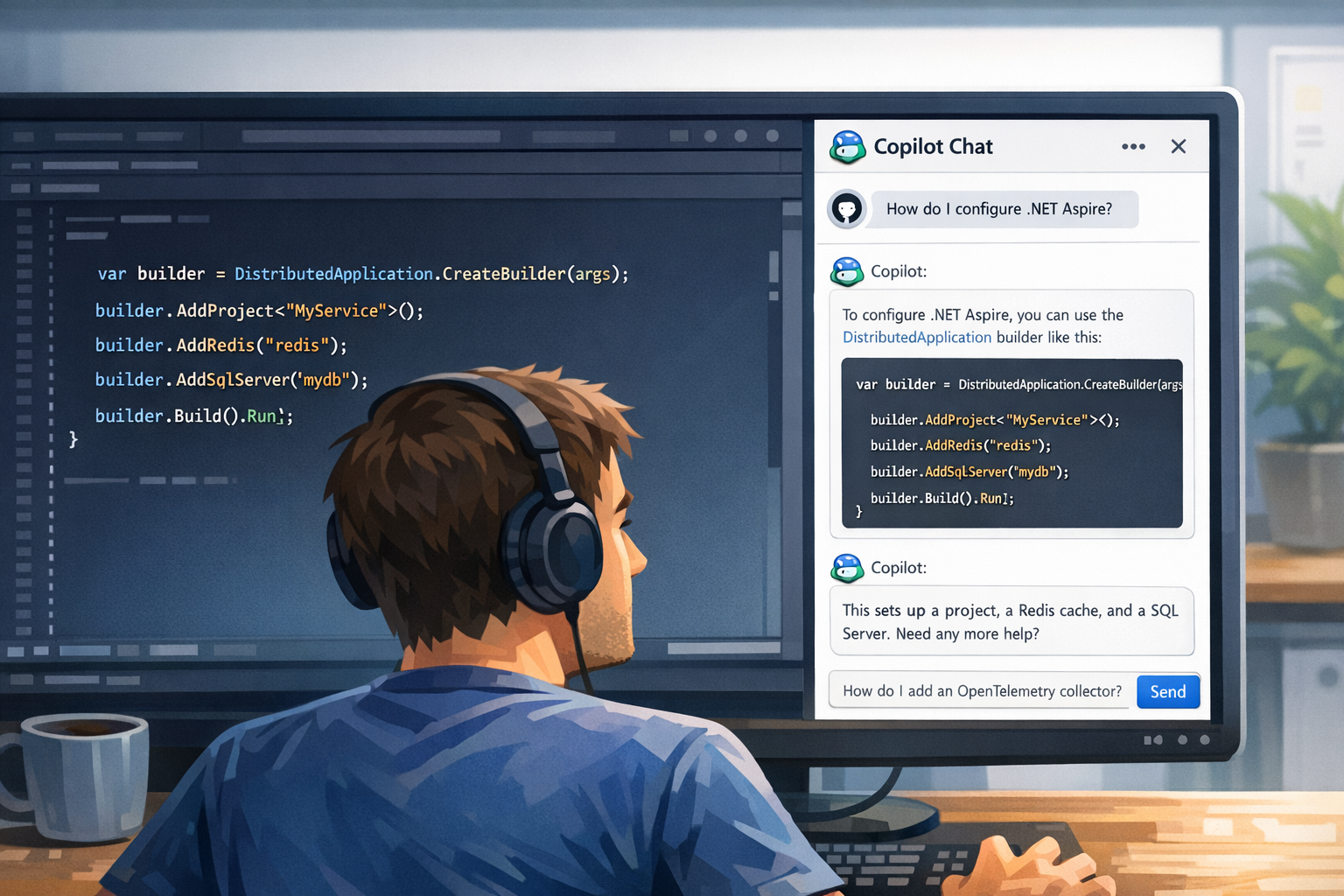
GitHub Copilot Chat changed my workflow dramatically. Instead of searching documentation, I could just ask. “How do I configure distributed tracing in Aspire?” or “What’s the best way to implement this pattern?” The AI would explain concepts while showing code examples. I started using it as a learning tool when exploring new APIs or frameworks. The time I saved on context switching was enormous.
Phase 3: Multi-Agent Orchestration (2024-Present)
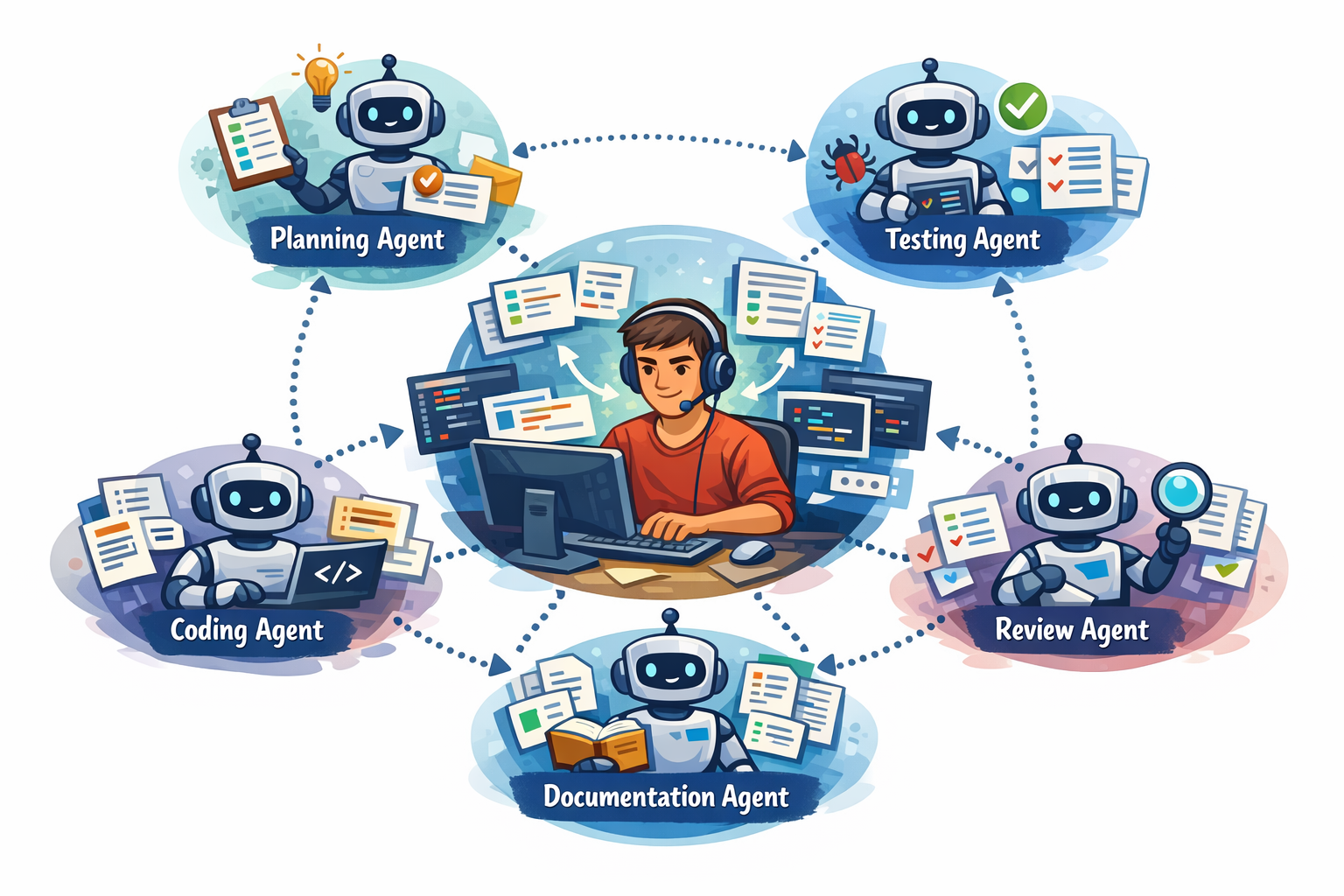
This is where things got really interesting for me. The GitHub Copilot ecosystem evolved into a sophisticated multi-agent system where specialized agents collaborate on different aspects of development:
- Planning Agents analyze my requirements, break down complex tasks, and create structured implementation plans
- Coding Agents autonomously implement features, write tests, and refactor code based on the plan
- Review Agents examine code quality, identify potential issues, and suggest improvements
- Testing Agents generate test cases, run test suites, and report on coverage and failures
- Documentation Agents create and update documentation, README files, and code comments
These agents don’t just assist—they collaborate with each other and with me in an orchestrated workflow. A typical scenario in my recent projects looks like this:
- I describe a feature requirement in natural language (often just a few sentences)
- The planning agent breaks it down into concrete tasks—usually better structured than I would have done manually
- The coding agent implements each task, coordinating with the testing agent
- The review agent examines the implementation and flags potential issues
- I review the collective output, provide feedback, and approve or iterate
Recently, I described a complex authentication flow I needed for a project. The planning agent created an 8-step implementation plan, the coding agent implemented it across multiple files, the testing agent created unit and integration tests, and the review agent caught a security issue I would have missed. The entire process took about 2 hours—what would have previously taken me 2 days.
This isn’t just faster autocomplete—it’s a fundamentally different development paradigm. The AI system handles the mechanical aspects of planning, implementation, testing, and review, while I focus on architecture, business logic validation, and creative problem-solving.
Why This Change is Different—and Bigger
Looking back at all the transitions I’ve experienced, this one stands out:
Magnitude of Productivity Gain: Previous transitions improved my productivity incrementally—maybe 2-5x at each stage. Moving from Pascal in a terminal to Visual Studio with IntelliSense was transformative. Moving from C++ to C# with garbage collection eliminated whole classes of bugs. But AI agents? I’m seeing 10-50x productivity improvements for certain tasks. Features that would have taken me days are now done in hours. What took hours can be accomplished in minutes. I recently built a complete REST API with authentication, database integration, and comprehensive tests in less time than it would have previously taken me just to scaffold the project structure.
Democratization of Expertise: Earlier tools required deep technical knowledge to leverage effectively. I spent years mastering C++, COM, and .NET. AI agents lower the barrier dramatically. I’ve watched junior developers on my team, with AI assistance, accomplish tasks that would have required my senior-level intervention just a year ago. They’re learning faster because the AI explains concepts while implementing them. The knowledge gap is compressing before my eyes.
Continuous, Exponential Improvement: Unlike previous platforms that evolved through major version releases every few years, AI models improve continuously. I notice new capabilities every few months. GitHub Copilot suggestions are noticeably better than they were six months ago. The agents understand context better. They catch more edge cases. This exponential improvement curve is unlike anything I’ve seen in my 30+ years of development.
Cross-Domain Amplification: Earlier tools specialized—an IDE helped with coding, a debugger with debugging, a profiler with performance. AI doesn’t just help with one thing—it assists me with architecture decisions, documentation, testing, debugging, learning new frameworks, and even understanding legacy code I wrote years ago (sometimes explaining my own code better than I could). It’s a force multiplier across my entire development lifecycle.
The scale and speed of this transformation is unprecedented in my career. I’m not just getting better tools—I’m fundamentally reimagining my role from “code writer” to “solution architect and AI orchestrator.” And this shift is happening not over decades, but over months and years. It’s exhilarating and, frankly, a bit overwhelming at times.
The Human Element Remains Central
Despite the power of multi-agent AI systems, I’ve learned that my judgment, creativity, and domain expertise remain irreplaceable. AI amplifies my capabilities—it doesn’t replace them. The most effective use of AI isn’t about letting it write all the code; it’s about:
- Understanding user needs and translating them into clear requirements that guide the AI
- Architecting robust, maintainable solutions—the AI is excellent at implementation, but the overall design still requires human insight
- Reviewing AI-generated code critically and catching edge cases the AI might miss
- Providing context and constraints that guide AI agents effectively—the quality of output depends heavily on the quality of my input
- Making strategic technical decisions that align with business goals
I’ve found that AI handles the mechanics beautifully, but I still provide the vision, judgment, and creativity. The projects that work best are those where I clearly define the “what” and “why,” and let the AI handle much of the “how.”
Summary
From waiting 20 minutes for a compiler to tell you about a missing semicolon, to having an AI suggest an entire function as you type, to orchestrating multi-agent systems that plan, implement, and review code autonomously—the journey has been one of continuously expanding capability and exponentially increasing productivity.
What Has Changed: The tools, platforms, languages, and paradigms have evolved dramatically. From toggle switches to terminals, from procedural to object-oriented to functional programming, from monolithic applications to microservices, from local development to cloud-native architectures. Each era unlocked greater productivity, enhanced user experience, and broader possibilities.
What Has Remained Constant: Despite all these transformations, one thing has never changed—the core mission of building solutions and applications that serve users. Whether I was toggling machine code into a PDP-11, building business applications with Pascal and DECForms, creating distributed systems with COM and DCOM, or orchestrating AI agents to implement features, the ultimate goal has always been the same: solve real problems for real people.
Every technological advancement—from graphical IDEs to object-oriented programming to managed code to AI assistance—has been in service of this constant: enabling developers to build better solutions more efficiently. Productivity has been continuously enhanced with each transition, but the craft of understanding user needs, architecting robust solutions, and delivering value has endured unchanged.
The fundamentals learned in those early stages—precision, understanding the machine, thinking in abstractions, focusing on the user—remain just as relevant today. The tools change; the craft endures. The medium evolves; the mission stays the same.
What makes the current AI revolution particularly remarkable isn’t just the productivity gains—it’s how it frees developers to focus even more intensely on what has always mattered most: understanding the problem domain, designing elegant solutions, and creating software that genuinely improves people’s lives.
What’s your journey been like? How have you seen coding evolve over time, and how are you adapting to the current AI-assisted development era? I’d love to hear your thoughts and experiences in the comments!
Enjoy learning and coding!
Christian
Check my new workshops on AI:
- GitHub Copilot with Visual Studio
- Building AI Agents with Microsoft Agent Framework and Model Context Protocol
And all my other workshops on .NET, Azure, and software development!
All the illustrations are AI-generated using gpt-image-1.5.





Leave a Reply